
Why Does My AI Character Look Different in Every Scene?
Your AI character changes face, hair or outfit between scenes? Here are the common causes of character drift in AI short dramas and how to fix each one.
Tutorials · By ShortDrama Studio Editorial Team · Published · 7 min read
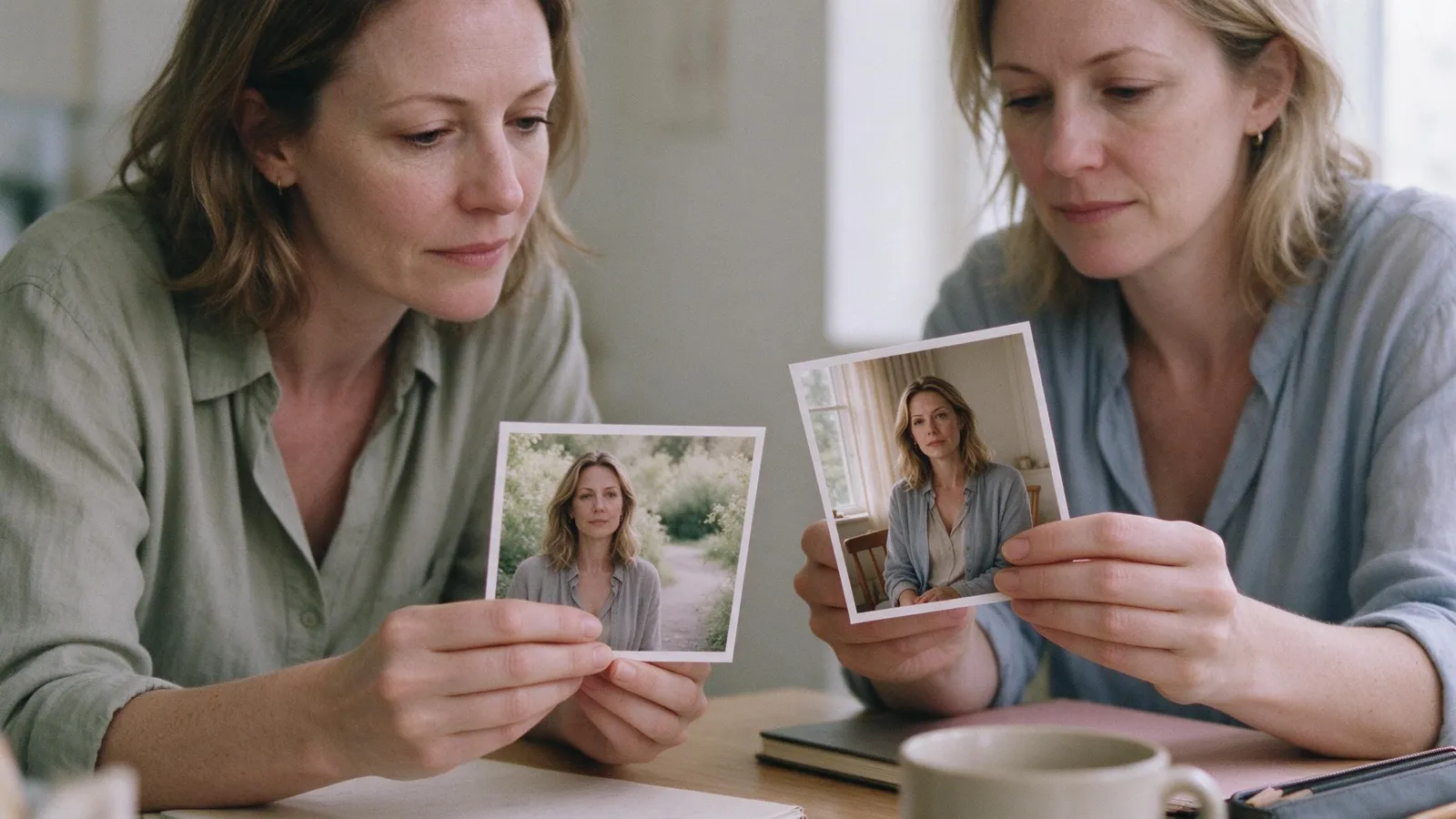
Your AI character looks different in every scene because each shot is generated fresh, and anything the model isn't given, it makes up again. Most drift comes from a few fixable causes: no reference sheet, loose descriptions, outfits that aren't locked, lighting that changes, characters swapping sides of the frame, and the wrong model for close-ups. Fix the cause, then regenerate only the scenes that drifted.
Key takeaways
- Drift is almost always an input problem, not bad luck. Find which input changed between the good shot and the bad one.
- Every scene should be generated from a character's reference sheet, not from a text description alone.
- Lock the outfit and hair for each scene, and keep light and camera side the same within one location.
- Two people in one shot drift more than one. Keep each character on their own side of the frame.
- Don't remake the whole episode when one shot fails. A 10-second scene on the standard model costs about 84 credits, so redo only the scenes that drifted.
This post is a troubleshooting checklist. If you're starting from zero, read our full guide on how to keep characters consistent in AI video first, then come back here when a scene goes wrong.
Why does my AI character's face change between scenes?
The face changes because the model never saw it. If a scene was generated from a sentence like "a woman in her late twenties with long dark hair," the model invents a new jawline, nose and eye shape every time. Thousands of women fit that sentence.
The fix is a reference sheet: a front portrait, three-quarter and side views, a full-body shot and a few key expressions, made once and reused for every scene. In ShortDrama Studio, every character, location and prop gets a reference sheet before filming starts, and each scene is generated from those sheets. You can design a face from scratch in the AI character generator or, on the Pro plan and above, base a character on your own photo.
Only upload faces you have the right to use. That means your own face, or someone who has given you written consent. The content policy doesn't allow deepfakes of real people.
How to check
Put the good shot and the drifted shot side by side. If the drifted scene was made before the reference sheet existed, or after you changed the sheet, that's your cause. Regenerate it from the current sheet.
Why does the character look older, younger or heavier in some shots?
Age and body type drift when the written description is vague or changes from scene to scene. "Young" in one scene and "twenties" in the next are two different instructions to the model.
Write one fixed description per character and never paraphrase it:
- An exact age ("28"), not a range or a mood ("youthful").
- Build and height relative to the rest of the cast ("a head shorter than Daniel").
- Hair: length, color, parting and how it's usually worn.
- One or two distinguishing marks, like a scar, a mole or glasses.
Keep the emotion in the scene text, not in the character description. "Exhausted, crying" belongs to the scene. If it ends up in the description, the model may age the face to match.
Why does the outfit or hairstyle keep changing?
A reference sheet fixes the face, not the wardrobe for every scene. If a scene doesn't say what the character wears, the model chooses, and it can choose differently in each shot of the same scene.
Decide each character's outfit per scene and repeat it in every shot of that scene. Outfit changes should be story decisions, like a gown for the gala or a hospital gown after the accident, never accidents. Hair works the same way: if she ties her hair up when the fight starts, write it into that scene and every scene after it until she lets it down.
A quick test: watch the episode with the sound off and only look at clothes. Any change you can't explain with the story is drift.
Why does the same person look different in a new location?
Light changes how a face reads. A face lit warmly from the side in the office and coldly from above in the parking garage can look like two people, even with a perfect reference sheet.
Give every recurring location its own reference image and keep the light direction and time of day fixed for each scene. If a story moves from day to night, accept that the face will read differently and check it with close-ups early in the night scenes. Build in this order: characters first, then locations, then props, then scenes. That way each location image is made around faces that already exist.
Why do my two characters swap faces or sides of the frame?
Scenes with two or more people drift the most, because the model has to keep two identities apart at once. The most common symptom is a swap: she stood on the left in the last scene and now stands on the right, or her hair color briefly shows up on him.
Two rules prevent most swaps:
- Name a side and keep it. For every character in a scene, write where they stand ("frame left, facing right"; "frame right, circling her") and keep that side for every scene in the same place. ShortDrama Studio scripts carry a position hint for each character in each scene for exactly this reason.
- Don't cut close to close on the same face. If one scene ends on a close-up of her face, open the next scene wider, from the side, or on the other character. Two close-ups of one face in a row make small differences jump out.
Is the AI video model the problem?
Sometimes. Video models differ in how well they hold a face through motion, turns and emotional acting. A model that's fine for wide establishing shots may soften or reshape a face in a tight close-up with tears.
On the Pro plan and above you can use premium video models, which cost more credits per second than the standard model. Use them where it matters: emotional close-ups and scenes with two characters. Keep the standard model for wides, inserts and transitions. For a side-by-side look at how Kling, Veo, Seedance, Runway and Hailuo handle faces and consistency, see our AI video models comparison.
AI video still has limits. Fast turns, hands near the face, heavy rain and crowds can all break consistency for a shot or two, even with good references. Plan those moments as wider or shorter shots rather than fighting the model.
How do I fix drift without regenerating the whole episode?
Regenerate only the scenes that drifted. An episode is built scene by scene, so one bad shot doesn't spoil the rest. In ShortDrama Studio you regenerate that one scene, compare the takes, keep the best one and re-render the episode. A render costs 5 credits for up to 3 minutes. The scene itself costs about 84 credits for 10 seconds on the standard model (pricing).
A repair routine that works:
- Find the first bad scene. Drift often spreads, because the next scene was written or framed around the bad one.
- Name the cause using the sections above: face, age, outfit, light, side of the frame or model.
- Fix the input, whether that's the sheet, the description, the scene's outfit line or the position hint.
- Regenerate that scene only, then check the scenes right before and after it.
- Compare across episodes. Put stills from episodes 1, 5 and 10 next to each other before you publish the season.
If the same character drifts in many scenes, the reference sheet itself is probably weak, for example only one angle or harsh lighting. Fix the sheet once instead of patching scene after scene. For the cost of a whole season, see how much an AI short drama costs.
FAQ
Why do AI characters look different in every shot?
Each shot is generated fresh. If the model gets only a text description, it fills in the missing details differently every time. Generating every scene from the same reference sheet fixes the face, and locking outfit, light and frame position per scene fixes the rest.
Can I keep a character consistent across a whole series?
Yes, if every scene in every episode is generated from the same reference sheet and the same written description. Check stills from early, middle and late episodes side by side, because slow drift is easier to see across a season than within one episode.
Does uploading my own photo make the character more consistent?
A clear photo gives the model a fixed face to work from, which helps. In ShortDrama Studio, characters from your own photos are available on the Pro plan and above. Only use your own face or the face of someone who has given you written consent.
Should I regenerate the whole episode when one scene drifts?
No. Regenerate only the scene that drifted, keep the best take and re-render the episode. It's cheaper and faster, and it keeps the scenes that already work.
Why does consistency break in scenes with two characters?
The model has to keep two identities apart in one shot, so features can blend or the characters can swap places. Give each character a fixed side of the frame, describe each one separately, and avoid cutting from one close-up of a face straight to another close-up of the same face.
Make your first consistent cast
The fastest way to see this working is to build a cast and film one scene. Start from a one-line idea, approve the reference sheets, and watch the same faces come back scene after scene. Start your drama free, or follow the full walkthrough in how to make an AI short drama from one sentence.
Tags: character consistency, ai video, troubleshooting, ai short drama