Updated October 15, 2026 · 3 min read · By ShortDrama Studio Editorial Team
How to keep characters consistent in AI video
To keep characters consistent in AI video, design each character once as a reference sheet, generate every shot from that reference rather than from a text description, lock the details (face, hair, outfit per scene, age), and treat locations and props the same way. Consistency is a workflow, not a prompt: the same inputs, reused for every shot of every episode.
Key takeaways
- Text prompts alone drift: "a woman with long dark hair" is a different woman every time.
- Reference images are the anchor; generate shots from them, not from words.
- Fix outfits per scene and locations per set, not just faces.
- Build in order: characters, then locations, then props, then scenes.
- Review across episodes, not just within a scene.
Why AI characters drift
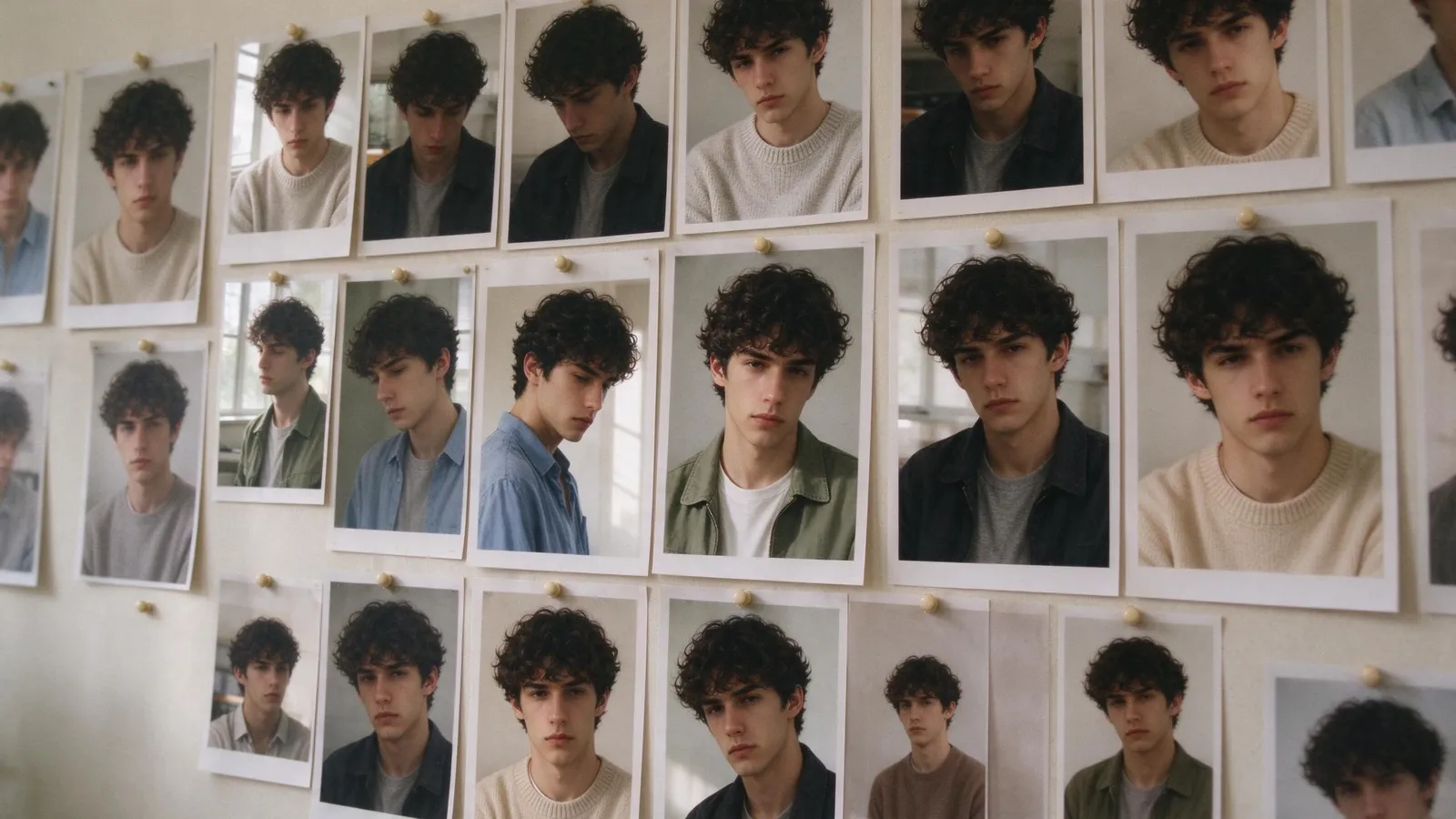
Video and image models generate each shot fresh. When the only input is text, the model fills in everything the text does not say, and fills it differently each time: jawline, eye colour, hairline, age. Small differences add up, and by episode ten the lead is someone else. The same happens to rooms: a door moves, a window appears.
For a single clip this does not matter. For a series, where viewers follow the same faces for dozens of episodes, it is the main thing that breaks the illusion.
Step 1: Create a reference sheet per character
A reference sheet is a small set of images of the character that every later shot is generated from:
- Front portrait with neutral expression and even light.
- Three-quarter and side views.
- Full body in the main outfit.
- Key expressions: smile, anger, tears.
Write a short, fixed description alongside: age, build, hair, distinguishing marks, voice. Use the same words every time.
Step 2: Lock outfits and looks per scene
Faces are only half of it. Decide what each character wears in each scene and keep it for every shot of that scene. Changes of outfit should be story decisions (a ball gown for the gala), not accidents.
Step 3: Treat locations and props the same way
Give each recurring location its own reference image (the office, the mansion living room) and each important prop too (the ring, the contract, the necklace). Generate them in order, characters first, then locations, then props, so later images can lean on earlier ones.
Step 4: Generate scenes from the references
For every shot, provide the character and location references, not just the text. Keep camera language consistent within a scene (the same lens feel, the same light direction). When a shot drifts, regenerate that shot rather than accepting it.
Step 5: Review across episodes
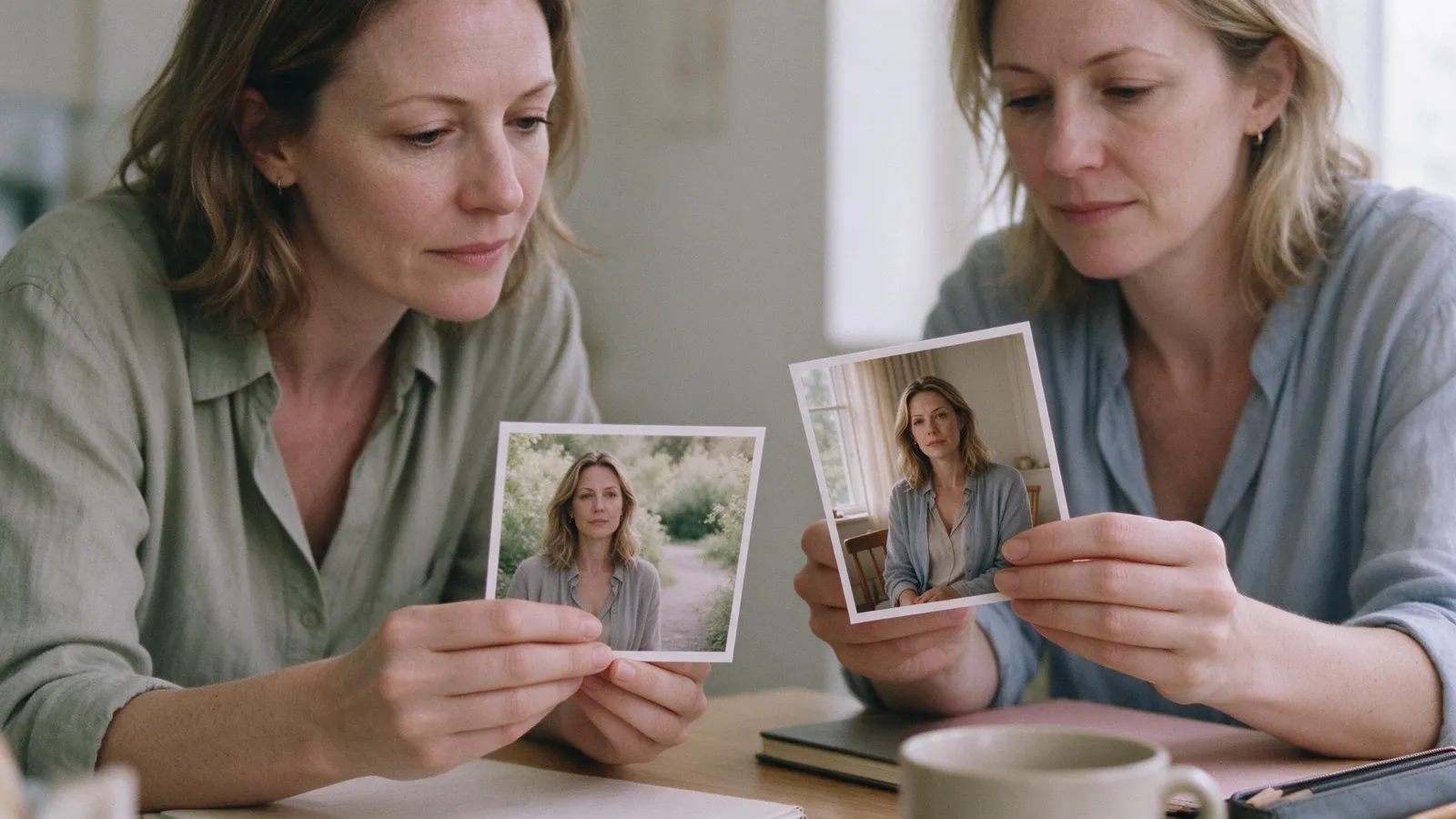
Put stills from episode 1, 10 and 30 side by side. Check the face, the hair, the height difference between characters and the set. Fix drift early, before it spreads to later episodes.
How ShortDrama Studio handles consistency
ShortDrama Studio builds this workflow in. Every character, location and prop gets a reference sheet before filming; you can swap a face, upload your own photo or restyle a set; and every scene is generated from those sheets, so the same face and the same room come back in every episode. If one shot drifts, you regenerate that shot and keep the rest. Try the AI character generator on its own, or read what is an AI short drama?.

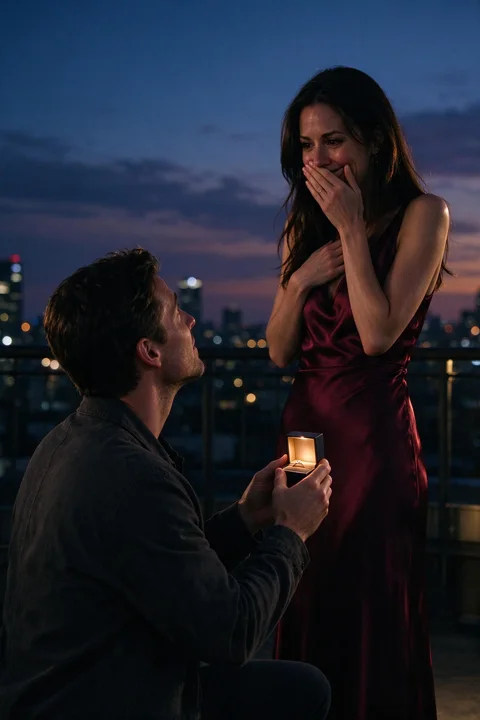
The same face in every episode
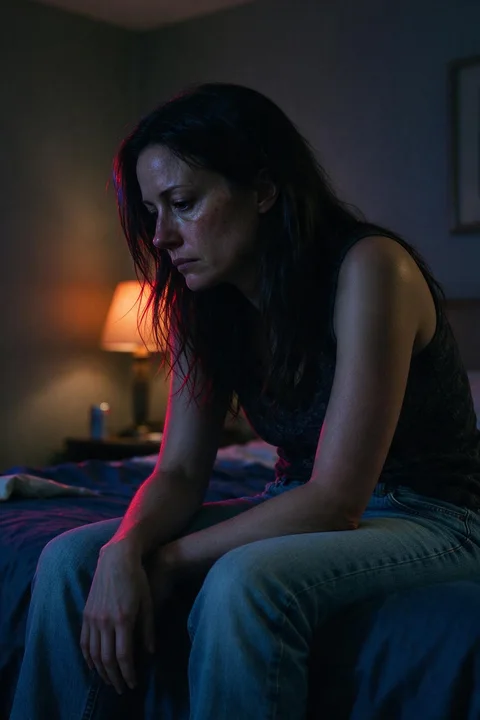
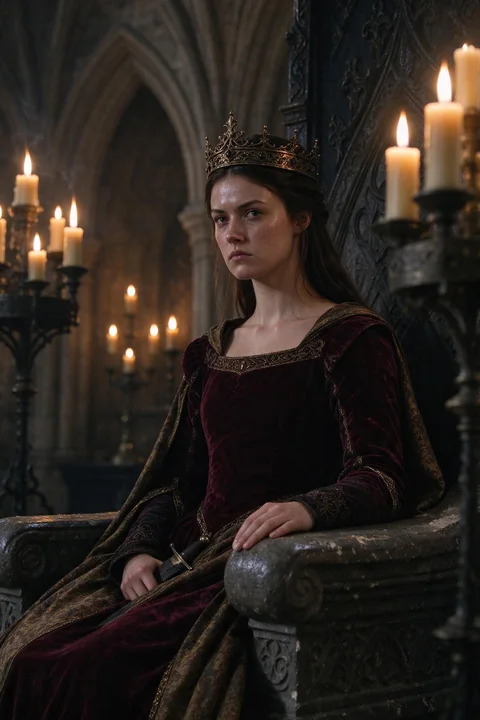
ShortDrama Studio designs a reference sheet for every character, location and prop, and films every scene from them. Upload your own photo if you like.
FAQ
Why do AI characters look different in every shot?
Each shot is generated fresh, and a text description leaves many details open, so the model fills them in differently each time. Generating from reference images fixes those details.
What is a character reference sheet?
A small set of images of a character, such as front, side and full-body views and key expressions, used as the input for every later shot so the character looks the same throughout.
Can I use my own face in an AI video?
Many tools let you upload a photo as a character reference. In ShortDrama Studio you can base a character on your own photo; only use faces you have permission to use.
How do I keep locations consistent in AI video?
Create a reference image for each recurring location and generate every scene in that location from it, keeping the light direction and layout the same.